
Why Schools, Colleges, and Universities Are Installing Cameras in Classrooms
Cameras and microphones are being deployed in an increasing number of hybrid classrooms, lecture halls, and instructional spaces. This is driven primarily by two key factors:
-
Facilitating Real-Time Remote Learning: They are designed to help remote students engage in live learning via synchronous, interactive applications like Microsoft Teams and Zoom. The massive and growing demand for both face-to-face and distance education continues to accelerate the need for integrated AV technology across campuses.
-
Building Online Educational Archives: Cameras are essential for creating digital archives of course materials. These records enable student review (self-paced revision), independent learning (flipped classrooms), and broader distance education models like MOOCs (Massive Open Online Courses). As educational institutions compete to attract top students, investing in this type of AV technology serves as a vital tool to meet the expectations of modern learners.
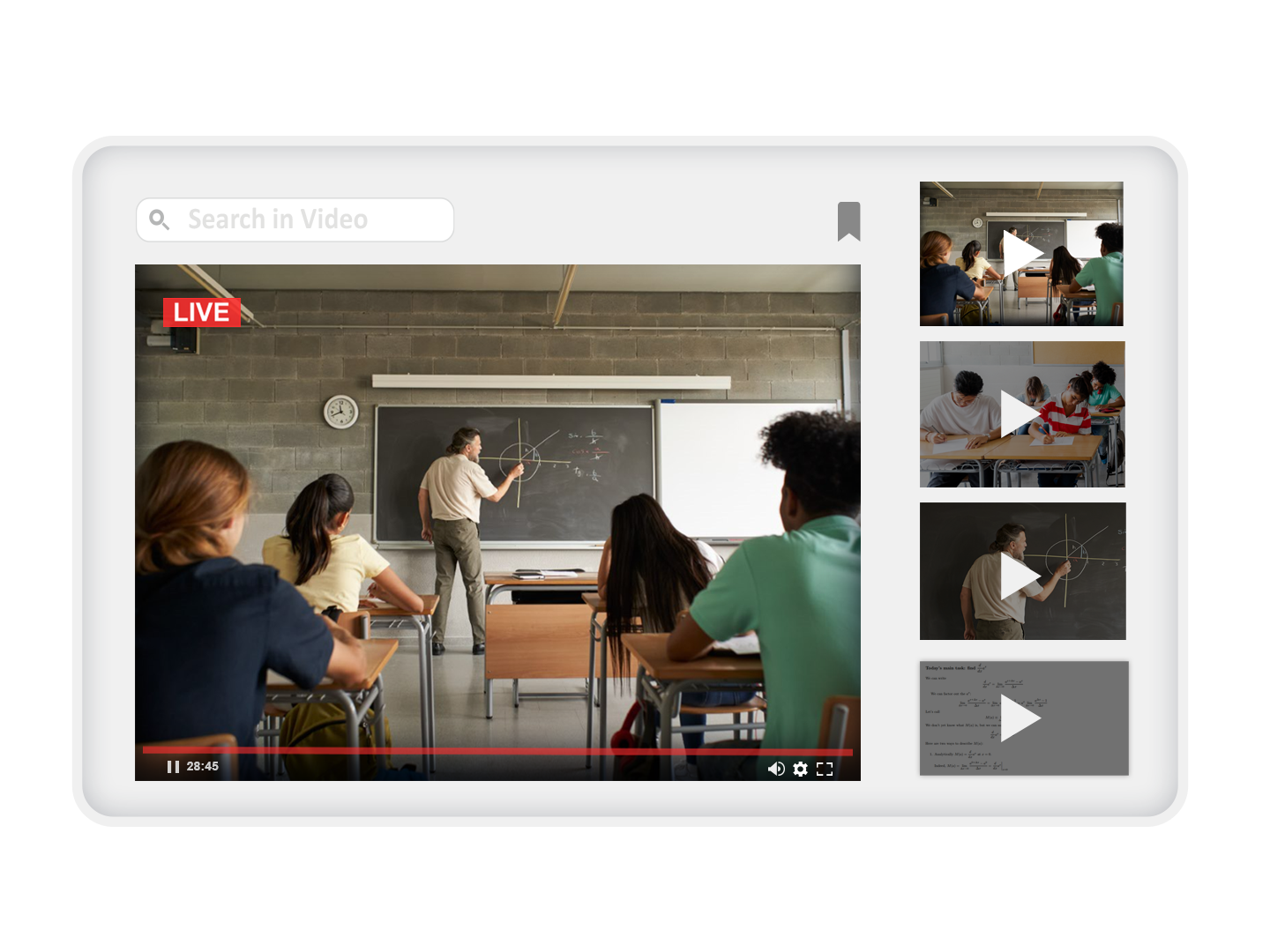
What Do AV Teams Look for in Classroom Cameras?
With the exponential growth of connected classrooms (see UNICEF's Giga initiative to connect every school on Earth to the Internet), the role of video in education has skyrocketed. AV teams face an immense burden deployment-wise, followed by the responsibility of supporting secure and reliable operations. Because of this, educational authorities are searching for cost-effective, durable, and centrally managed solutions. They require camera systems capable of autonomous operation that deliver flawless remote learning alongside professional results.
What Types of Cameras Should AV Teams Avoid?
We recommend users avoid cameras with the following features:
-
Fixed Lenses: While fixed-lens cameras can provide stunning, high-quality video, they lack the versatility needed for multi-functional instructional spaces to capture both single-speaker lectures and large round-table discussions. Electronic zoom cameras are a fair compromise, but full robotic Pan-Tilt-Zoom (PTZ) cameras remain the best choice for the vast majority of use cases.
-
Manual Control: Manual cameras will deliver excellent results if a dedicated operator is available at every location. In education, this is simply unrealistic. We strongly recommend users test each camera's automated features, including autofocus, white balance, brightness, color, and contrast.
-
Multiple Cables: Previously, cameras required connections for a power adapter, video cable, and control wire. Today, all of these can be replaced by a single, inexpensive Cat 5 or Cat 6 cable, providing power, video, and control over a single Ethernet connection. Avoid multi-cable cameras that are more expensive to buy, costlier to install, and harder to manage.
-
Proprietary Streaming and Control: Some manufacturers utilize their own unique video standards and control protocols. While there are reasons this can be an enticing proposition (such as enhanced security or standardizing around a single brand), adopting equipment with internationally recognized standards allows organizations to develop and scale their video networks over the long term without being locked into a single vendor.
-
Short Warranties: Avoid short warranties of 1 or 2 years. They might suffice for camera equipment used only a few hours a week. In the educational sector, we see cameras put to work for thousands of hours each year. A long-term warranty reflects the manufacturer's confidence in the engineering behind their product and its long-term durability in a space. A 4-year or even 5-year warranty is a must-have for education.
1. What Is the Best Camera for Hybrid Classrooms?
What is a hybrid classroom? A hybrid space is typically a multi-functional teaching area that blends the needs of both local and remote students. Such a classroom needs to handle:
-
Lecture-style presentations
-
Round-table discussions
-
Interaction between in-class and remote students
-
Real-time (in-person) and on-demand ( online) learning
The VC-TR60A is the ideal PTZ camera for hybrid learning classrooms. It can switch to different modes depending on the teaching style:
-
Lecture-Style Presentations: Switch to motion tracking, and the camera will automatically identify and follow the teacher as they move around the room or stage.
-
Round-Table Discussions: Enable voice tracking mode. The camera will switch views between students and the teacher based purely on whoever is currently speaking.
-
In-Class and Remote Student Interaction: In Picture-in-Picture (PIP) mode, remote students can stay focused on the current presenter while still seeing the context of the entire instructional space.
-
Real-Time and On-Demand Learning: Pair the VC-TR60A with a Lumens CaptureVision media processor to transform lessons into rich media presentations. It is fully compatible with Panopto and Kaltura content management systems, delivering an engaging real-time and on-demand learning experience.
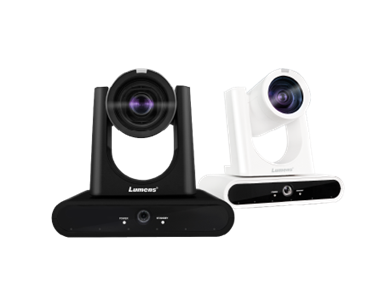
VC-TR60A
4K Dual-Lens Voice Tracking Camera
more...
2. What Is the Best Camera for Panel Discussions?
In televised round-table discussions, multiple cameras are deployed to help the audience stay focused on the conversation. Today, this same production value can be automated by installing two or more VC-TR60A PTZ cameras.
This model features a built-in beamforming microphone array on its base, allowing its zoom lens to focus automatically on the active speaker. When a second voice is detected, the camera intelligently moves to capture the new presenter.
The real magic happens when you pair two or more VC-TR60A cameras together. By connecting the cameras and adding a compact decoder—the Lumens OIP-N60D—to the Local Area Network (LAN), you unlock the VoiceConnect solution. This system automatically switches between multiple cameras and different shooting angles to keep the focus entirely on the discussion.
It seamlessly transforms a flat, uninspiring wide-angle view—where it is often difficult to tell who is speaking—into an engaging and inclusive learning experience.
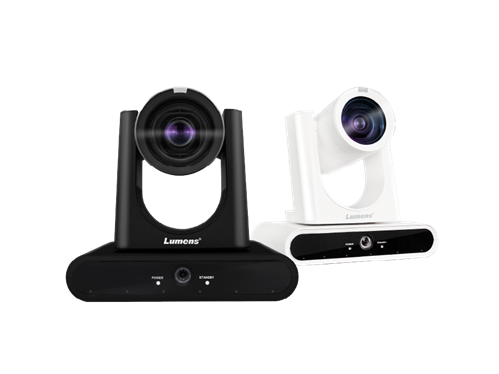
VC-TR60A
4K Dual-Lens Voice Tracking Camera
More...
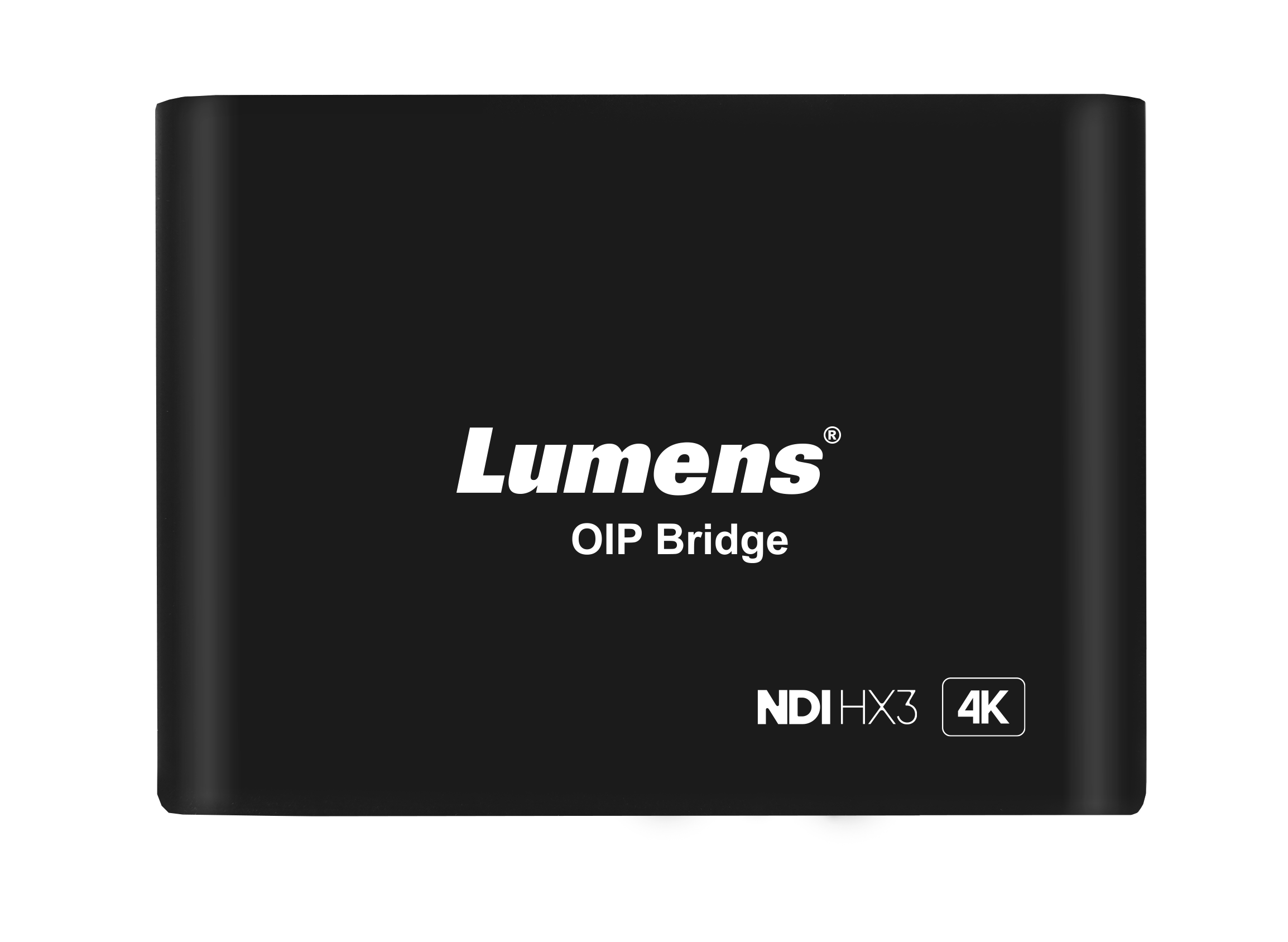
OIP-N60D
AV over IP 和 NDI HX 4K OIP Bridge
More...
3. What Is the Best PTZ Camera for Presentation Zones?
Large classrooms, public speaking venues, and presentation spaces can look incredibly bare on video. Zooming in on the presenter works wonders—until they start to move. The VC-TR61 is a 4K PTZ camera equipped with a powerful 30x optical zoom lens. Even when placed at the back of a room—up to 18 meters away from the stage—it tracks the presenter accurately and smoothly. This gives them the freedom to move and perform naturally, without being minimally conscious of the camera.
The VC-TR61 is a dual-lens camera: its main 4K PTZ head features a powerful zoom capability to focus tightly on the speaker, while the secondary 4K lens captures a panoramic wide shot. AV teams can combine both feeds into a Picture-in-Picture (PIP) shot or seamlessly switch between wide and close-up angles, transforming a standard lecture into a production that rivals professional television broadcasts.
Since both lenses deliver crisp, bright 4K imagery, sessions are recorded and streamed with broadcast-quality precision. The result is a highly engaging video that is far more likely to capture the attention of both live and on-demand viewers.
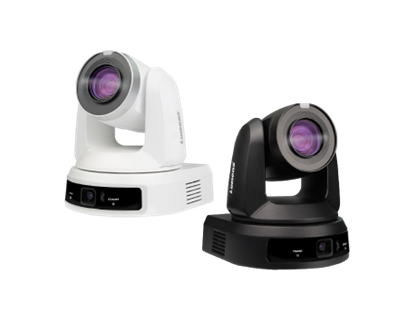
VC-TR61
4K AI Auto-Tracking 30x Zoom PTZ Camera
More...
4. What Is the Best Camera for Lecture Halls?
Today, the focus has shifted entirely to interactive learning, where students are actively encouraged to contribute, challenge, and question. In large lecture halls, many organizations are now installing ceiling microphones equipped with beamforming arrays and DOA (Direction of Arrival) technology. These systems are optimized to pick up students' voices throughout the auditorium, ensuring their participation is clearly recorded and transmitted to both on-site and remote faculty and students.
By utilizing the CamConnect Pro voice tracking system, Lumens PTZ cameras pair seamlessly with ceiling microphones to detect the active speaker's location and switch views instantly to capture the discussion. CamConnect Pro accurately guides up to four cameras and automatically switches the video output for the optimal viewing angle. The result is a truly immersive experience on both in-room screens and online learning platforms—ensuring every voice is heard and every participant is perfectly framed on screen. This represents the ultimate milestone in educational technology.
To achieve these professional results, we highly recommend the VC-A53 PTZ camera. Its smooth, high-speed robotic system moves rapidly to frame the current speaker, while its 20x optical zoom captures crisp, bright, and high-definition imagery.
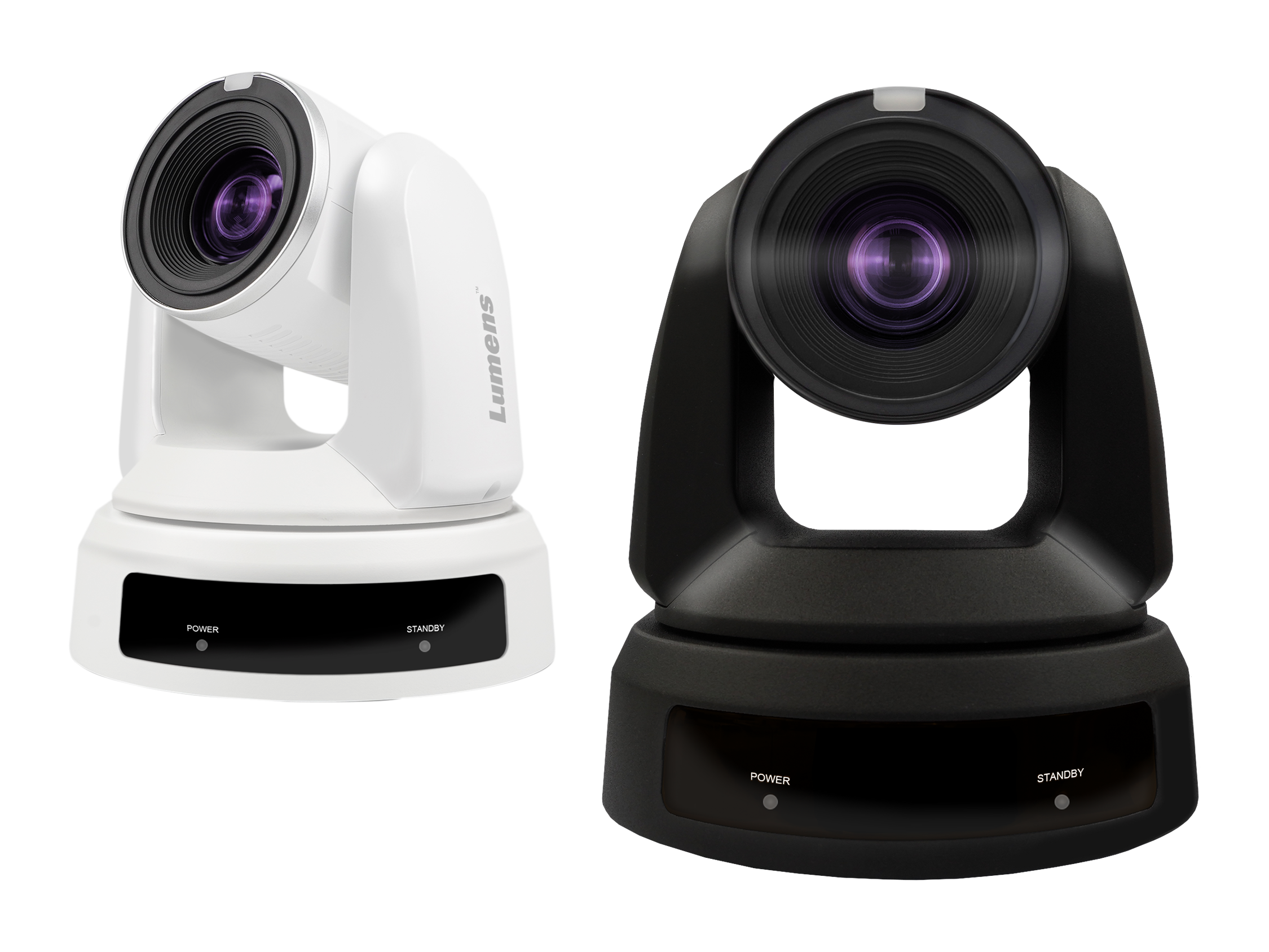
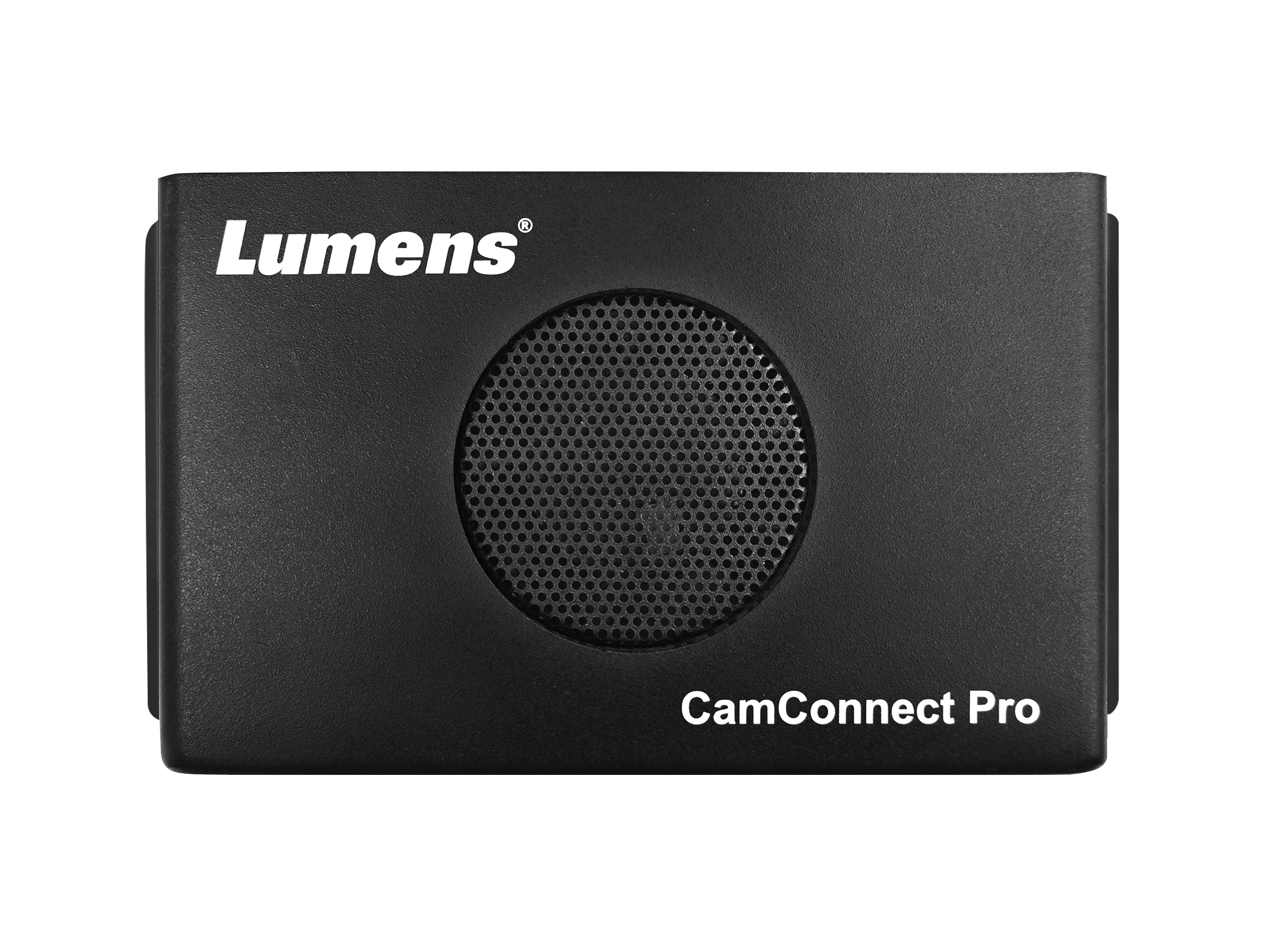
AI-Box1 CamConnect Processor
More...
5. What Is the Most Affordable Classroom Camera?
Today, affordability means much more than just a low price tag. An budget-friendly camera must deliver:
-
Cost-effective installation with remote management and centralized control
-
Fully automated, hands-free operation
-
An extended warranty
-
Reliable performance across all lighting conditions and teaching styles
The camera that checks every single one of these hybrid learning boxes is the VC-TR30. Offered at a highly attractive price point while generating bright, detailed imagery, it provides:
-
Single-Cable Installation: Supports upright, wall-mount, or inverted ceiling-mount configurations for seamless AV integration in any classroom.
-
Comprehensive Network Management: Offers complete remote control and administration over the network.
-
Smart Tracking Modes: Features motion tracking and auto-framing modes that automatically focus the camera on the presenter or a designated group of participants.
-
5-Year Warranty: Comes with a 5-year warranty (available in most regions), ensuring long-term peace of mind.
-
12x Optical Zoom: Delivers versatile framing from wide-angle views to tight zooms to satisfy most instructional needs.
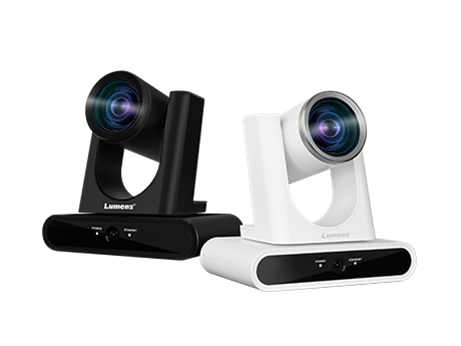
VC-TR30
AI Auto-Tracking Camera
More...
To discover more about Lumens camera solutions or to request a demo, please visit Lumens Contact Team to connect with our experts.